
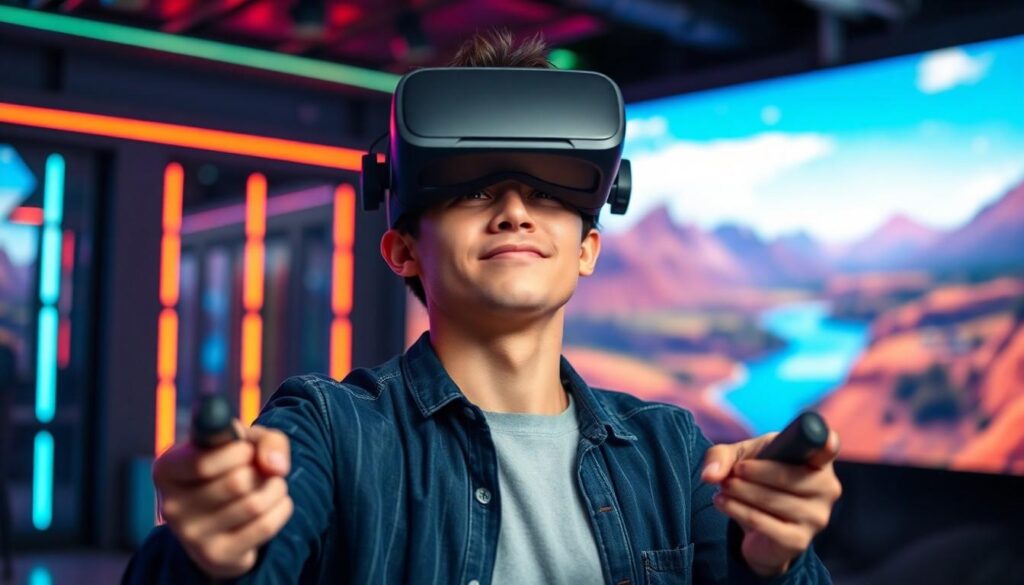

Virtual reality is no longer just a sci-fi dream; it’s an exhilarating reality that can transport users to fantastical worlds. But before diving headfirst into a universe of immersive experiences, there’s a burning question on every gamer’s mind: can my PC handle the magic of VR?
Understanding VR Requirements
Understanding the requirements for VR ensures a seamless gaming experience. Users need to familiarize themselves with both minimum and recommended specifications for optimal performance.
Minimum Specifications
Minimum specifications serve as the baseline for VR readiness. A compatible recent processor, like an Intel i5 or AMD Ryzen 5, performs adequately. At least 8 GB of RAM helps maintain smooth operations. Graphics cards also play an important role; options such as NVIDIA GTX 1060 or AMD Radeon RX 480 fulfill basic needs. Users should also ensure a USB 3.0 port is available for headset connectivity. These components provide the necessary foundation for entry-level VR experiences.
Recommended Specifications
Recommended specifications heighten the VR experience, providing improved visuals and responsiveness. An Intel i7 or AMD Ryzen 7 processor elevates performance significantly. For RAM, having 16 GB enhances multitasking and application efficiency. Graphics cards such as NVIDIA RTX 2070 or AMD Radeon RX 5700 allow for stunning graphics and higher frame rates. A minimum of 10 GB of available storage space is necessary to accommodate VR software and related updates. These enhanced components ensure an immersive and fluid VR experience.
Assessing Your PC’s Capabilities
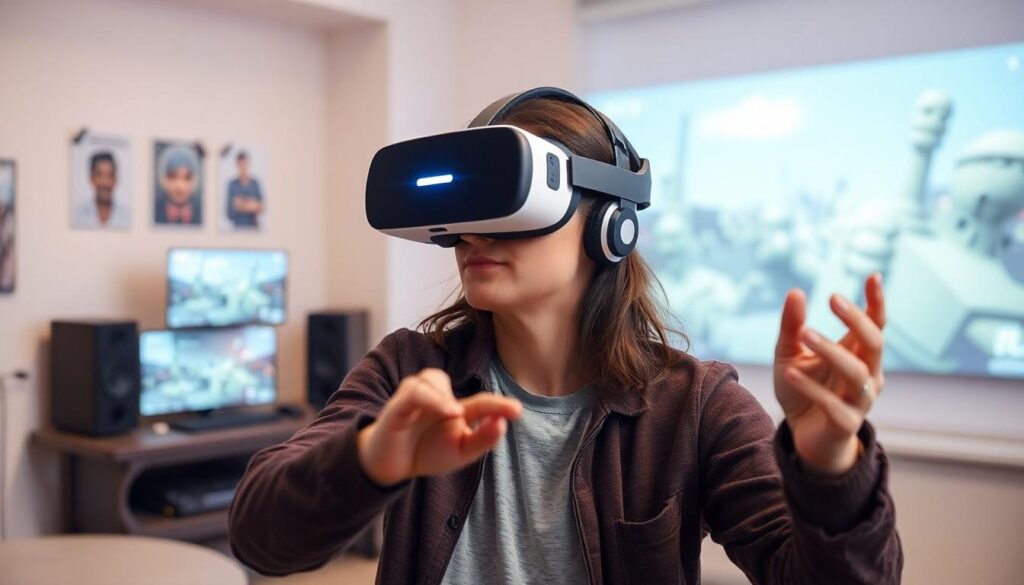
Understanding your PC’s specifications is crucial for enjoying VR technology. Each component plays an important role in delivering an immersive experience.
Processor Performance
Processor performance significantly influences VR capabilities. A recent Intel i5, AMD Ryzen 5, or better is essential for minimum requirements. For enhanced performance, consider processors like an Intel i7 or AMD Ryzen 7. A powerful processor ensures seamless rendering of complex virtual environments. Optimal performance occurs when a processor can handle intense computations without lag.
Graphics Card Evaluation
Graphics card evaluation is vital for VR compatibility. Minimum specifications recommend a graphics card such as the NVIDIA GTX 1060 or AMD Radeon RX 480. Upgrading to an NVIDIA RTX 2070 or AMD Radeon RX 5700 greatly enhances graphics quality. Higher-end graphics cards support advanced features like higher refresh rates and improved textures. Smooth graphics performance can dramatically improve immersion in virtual worlds.
RAM and Storage Space
RAM and storage space impact overall performance in VR scenarios. Minimum requirements dictate at least 8 GB of RAM. For the best experience, consider using 16 GB or more. Sufficient RAM allows for running VR applications alongside other background processes smoothly. Storage also matters; having enough space for VR software installation enhances convenience. Solid-state drives (SSDs) often deliver faster load times compared to traditional hard drives.
Tools and Software for Checking Compatibility
Users can leverage various tools and software to determine if their PCs can run VR smoothly. Some of the more popular options include System Requirement Lab and Steam VR Performance Test.
System Requirement Lab
System Requirement Lab offers a user-friendly interface for checking hardware compatibility. Users simply select their desired game, and the tool analyzes current system specs against the game’s requirements. It provides instant feedback, categorizing results as “can run,” “can run but not optimally,” or “cannot run.” This clarity helps users identify specific hardware upgrades needed for VR gaming. Additionally, the service includes recommendations that guide users in enhancing their systems for improved performance.
Steam VR Performance Test
Steam VR Performance Test evaluates a PC’s ability to handle Steam VR content. Users download the test from the Steam platform to initiate the analysis. It assesses crucial components like the CPU, GPU, and RAM, generating a performance score for easy reference. Results indicate whether the system meets minimum or recommended specifications for running VR on Steam. Users benefit from this assessment by receiving insights into potential hardware enhancements, ensuring an immersive VR experience.
Common Issues and Troubleshooting
Understanding common issues during VR setup can enhance the overall experience. Identifying incompatibility problems early on helps users achieve smooth operations with their PC.
Incompatibility Problems
Incompatibility often stems from outdated hardware components. An insufficient graphics card, such as those below the minimum requirement, causes significant performance issues. Users may experience flickering graphics or even crashes. Similarly, RAM below 8 GB can hinder performance, leading to lag and slow loading times. Connectivity issues frequently occur if USB ports do not support the required data rates. Checking software compatibility is equally important, as outdated drivers can prevent VR systems from functioning correctly. Ensure operating systems and drivers are up to date to avoid these pitfalls.
Performance Optimization Tips
Performance optimization ensures a smoother VR experience. First, users should adjust graphics settings in VR applications to match their system capabilities. Reducing resolution or turning off anti-aliasing can significantly improve frame rates. Overclocking the GPU enhances graphical output but requires careful monitoring of temperatures. Increasing RAM from 8 GB to 16 GB contributes to better performance with resource-intensive applications. Regularly clearing temporary files and optimizing storage using SSDs results in faster load times. Finally, running background applications can strain system resources, so closing unnecessary programs frees up valuable processing power.
Determining whether a PC can run VR effectively is crucial for anyone looking to dive into virtual reality gaming. By understanding hardware requirements and utilizing tools like System Requirement Lab and Steam VR Performance Test, users can assess their systems accurately.
It’s essential to ensure that all components, from the processor to the graphics card, meet or exceed the recommended specifications for a smooth experience. With the right upgrades and optimizations, gamers can fully immerse themselves in the captivating worlds that VR has to offer. Investing in quality hardware not only enhances performance but also elevates the overall enjoyment of virtual reality adventures.