
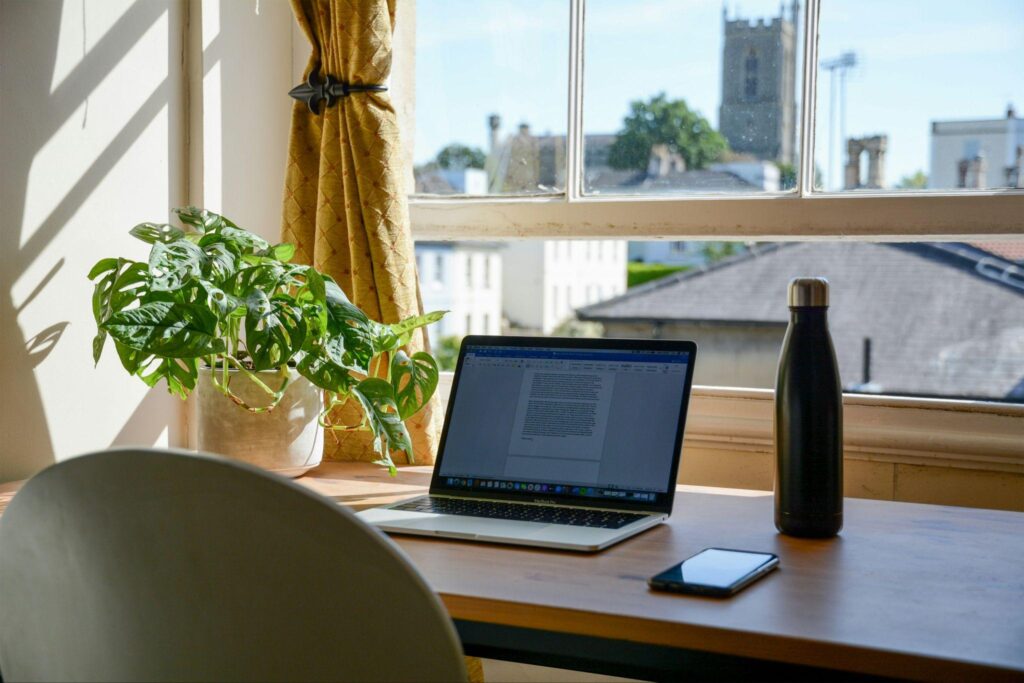

Working from home sounds ideal until your bedroom suddenly becomes a studio, office, and editing desk, as well as a place to lay your head.
For content creators, the space you work in affects far more than comfort. It shapes lighting, sound, privacy, and how quickly you move from idea to finished post. This is why you need to put plenty of thought into creating the right WFH space.
A strong setup doesn't need to be costly. However, it does need to function well on days when you have limited time or several tasks competing for attention. The goal is to produce cleaner work with fewer delays and less daily setup.
Four Setup Choices That Make Content Creation Easier
The best creator workspace works like a small production system. Your camera should be easy to place, and your lighting should be repeatable every time. Props, outfits, and notes should all have a clear home base.
These four points focus on practical choices that improve your workflow overall. They apply whether you create lifestyle content, fitness posts, OnlyFans content, or a mix across several platforms.
Choose One Main Shooting Zone and Make It Repeatable
A common mistake is moving around the house every time you need to film. This can make content feel varied, but it wastes real time. You end up testing lighting again and adjusting angles before creating anything at all.
Pick one main shooting zone and design it for repeat use. It doesn't need to be a full studio, just a corner near a window or a clean wall you can control. Keep the background clean enough to avoid distraction, but not so empty that it feels cold.
Take test shots from your usual angles and save them as references afterward. Note which curtains stay open and where your tripod stands each time. This repeatable setup matters most on busy days, since you spend less time preparing and more time creating.
Separate Your Admin Desk From Your Creative Zone
Many creators burn time because their creative space and admin space overlap too much. You shoot content, answer messages, and check payments all in the same physical spot. This makes your brain treat every task as one large, messy job.
Create a clear admin desk, even if it's just one side of your table. This is where you handle captions, scheduling, subscriber messages, and analytics separately. Keep your shooting zone reserved purely for production work.
You can research how other creators have set up their WFH spaces for a little inspiration. Look on search platforms like onlyfans search engine to view other creators in similar niches to yours, as this can give you helpful ideas on the ideal creative zone for your home.
Treat Lighting as a Workflow Tool, Not Decoration
Lighting changes how professional your content feels, but it also changes how much editing you need later. Bad lighting creates grain, harsh shadows, and inconsistent visuals. That means more time fixing footage afterward, making the whole process feel heavier than necessary.
Start with natural light if you have it, then add one reliable artificial source. A ring light works well for face-focused content, while a softbox gives more control for full-body shots. The key here is consistency across different times of day.
Don't place your light only where it looks good in the room itself. Place it where it actually looks good on camera. Record a short test clip and check your face, background, and any reflective surfaces nearby. For creators on OnlyFans, TikTok, or YouTube, this testing saves real time later.
Build Storage Around the Way You Create
Storage isn't just about keeping your space tidy. It affects speed directly. If your tripod, chargers, and memory cards live in random places, each session starts with a search. That makes you less likely to create when you only have a small window of time.
Group items by task clearly. Keep filming gear in one bin and props together on a nearby shelf. Also, keep cables labeled so you're not untangling three cords while your light is already set up. This sounds basic, but it prevents small delays that drain your energy before production even begins.
Digital storage matters just as much here. Create folders by month and content type, using simple names you'll understand later. A clean digital system helps you find unused content and avoid losing paid assets in a messy camera roll.
Protecting Privacy While You Build a Better Setup
A WFH creator setup should protect your privacy from the very beginning. Many creators only think about privacy after something feels risky, by which point they've already posted identifiable backgrounds or reflections.
Check your shooting zone through the camera lens, not just with your eyes. Zoom into the background and look closely at mirrors, windows, and framed documents. If you create adult content, these checks matter even more given the personal risks involved.
Also, protect your work devices with strong passwords and separate folders. Keep personal photos apart from creator assets entirely.
The right WFH setup should help you work with more focus while reducing the chance that your private life gets pulled into public content.