
Do you want to create a high-quality logo for your business but have a limited budget?
There is no need to worry, since in 2026, there are different AI platforms that offer free tiers to work with.
While using these tools, you do not need to have any design experience since they are very easy to work with and offer quick results. What’s even better, you can customize the logos and match your brand objectives and aesthetics to achieve the closest result.
This guide provides a detailed description of the top logo makers and introduces the main qualities that they offer to help you understand which one you like the most.
TL;DR
- Top Option: Design.com- The largest logo template library (500K logos), advanced AI integration, all-in-one platform, full branding, and free downloads.
- Great to Choose: BrandCrowd – Great for beginners, template variety, advanced customization, free editing and downloads.
- Nice for Fast Generation: Logo.com– quick tool, AI integration, easy customization, but logos not always matched the chosen industry.
- Slower Option: Logomakerr.ai – Weaker quality, longer waiting time, still customizable.
- Below Average: DesignEvo- issues with field selection, old designs, but easy to use.
Our Approach to Ranking the Best Free Tools
As we are also looking for tools that can be easily integrated into the workflow, we tried to provide a fair ranking of the tools.
Not based on their review count or how many stars they have, but based on the testing we conducted and the main advantages each tool provides.
While testing the tools, we provided them all with the same business name and keywords to see what they can offer.
Here are a few aspects we paid attention to while testing the tools.
- Does it provide high quality?
- Is it quick to work with?
- Is customization easy and diverse?
- Do the logos the tool provides match the chosen field?
Now, bearing these in mind, let’s move forward and discover the tools and learn what logo creation options they can offer.
At-a-Glance Chart
|
Platform |
Ease of Use |
Does it have a free tier? |
Trustpilot Review |
|
Design.com |
Highly beginner-friendly, great for people without design experience |
Yes, no watermark |
4.7 ⭐ |
|
BrandCrowd |
Good fit for non-designers |
Yes |
4.8⭐ |
|
Logo.com |
Intuitive interface |
Yes |
4.6 ⭐ |
|
Logomakerr.ai |
Drag-and-drop interface |
Yes |
4.0 ⭐ |
|
DesignEvo |
Easy-to-use platform |
Yes |
4.8⭐ |
Top 5 AI Logo Generators Reviewed
Design.com
Design.com is one of the best logo makers for generating logos for free.
The tool is very easy to work with, even for those who do not have any design experience. Its advanced AI integration and thousands of templates help users to create logos for free in a matter of seconds.
What’s even better, it offers an all-in-one branding platform to create branding materials for your social media pages or website.
Main Highlights
- The tool offers advanced AI integration while providing an AI logo generator, AI website builder, AI business cards, AI flyers, AI posters, AI presentations, AI business name generator, and AI background remover.
- It has the largest library of logos, with 500K+ logo templates and 1 million overall design templates.
- You can easily edit your logos with the help of 750+ fonts, 525+ of which are exclusive.
- Besides logo creation, there are 50+ design options like building websites, creating digital business cards, social media posts, flyers, posters, menus, and more.
- You can register a domain name along with your logo.
- There are social, print, and web templates for any field that help you conduct branding across platforms.
- There is 24/7 support available, ready to answer all of your inquiries.
- The tool offers a free tier so you can not only edit but also download designs for completely free.
Our Testing Process
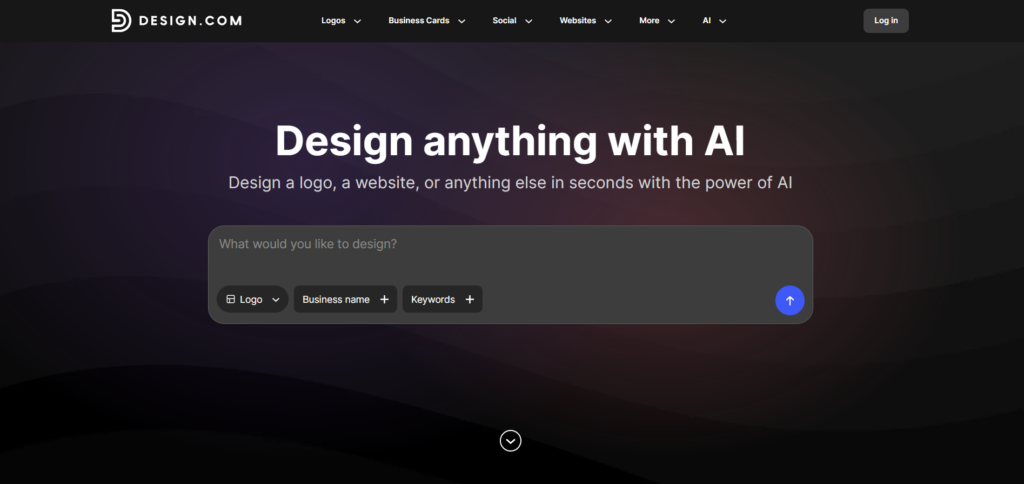
To start creating a logo design, we simply added the name of the brand and keywords. We aimed to create logos for a photography agency; therefore, for a business name we chose “Luma Photo,” and as a keyword, we added “professional photography agency”.
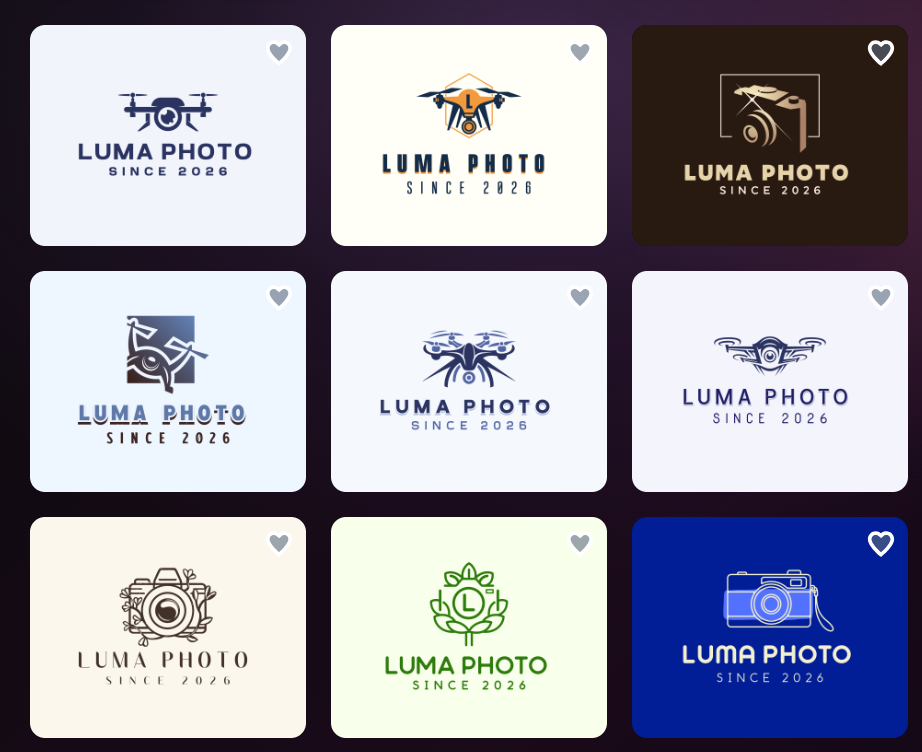
The logos appeared without making us wait long.
There were different interesting logo designs and thousands of templates we could choose from. One of the most essential factors was that all of the logos had certain elements that reminded us of the chosen industry; therefore, they could be easily integrated into our social media platforms and grab the attention of our customers, making our logo memorable.
The quality of the logos was high, and beautiful shades, gradients, and colorings made them stand out. Logos looked modern and seemed like professional designers were involved in the creation process.
Now, let’s see how customization works on Design.com and how we can make the logos even more personalized.
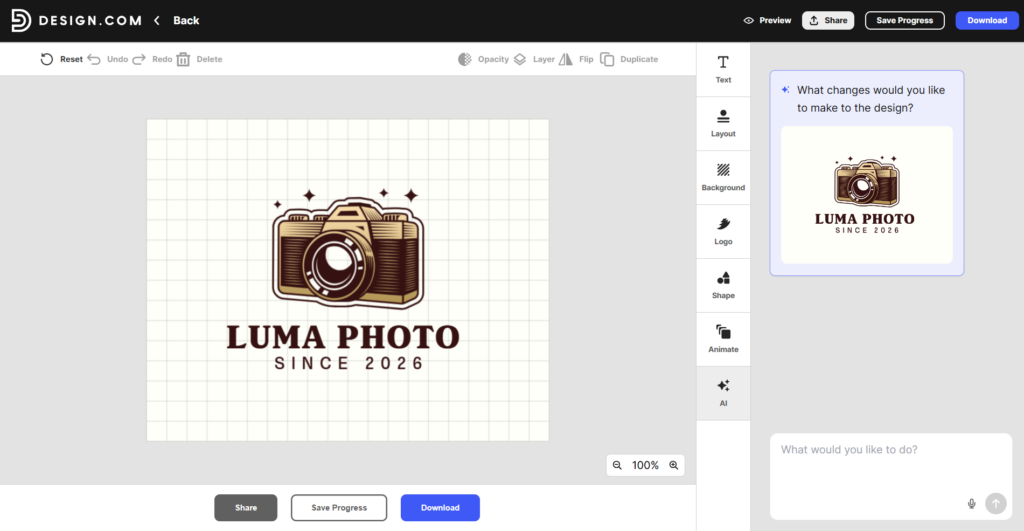
On Design.com, we can change the font, color, background, and layout of the logo and even make it animated for a better impact.
An interesting option that the tool offers is an AI feature, since it can help users to make any changes that come to their mind by simply telling the AI and making sure the logo matches all of your expectations.
Best For
Overall, Design.com is a top platform for all kinds of startups, business owners, and entrepreneurs that are looking for a free and beginner-friendly logo-generating platform and one that offers comprehensive brand kits, allowing you to create your complete brand identity.
BrandCrowd
BrandCrowd is another AI-powered platform that supports easy and free logo generation.
The platform offers a lot of templates for different fields and industries, making your logos unique and diverse and helping your brand easily grab the attention of customers.
Main Highlights
- The tool integrates AI that helps with AI logo generation, AI background removal, and AI business name generation.
- There are 380K+ logo templates and 1M+ design templates.
- You can easily customise with 62K+ custom vector shapes.
- Download your logos in SVG, EPS, and PDF vector files, PNG & JPG raster files, icon-only option, transparent background ones, and GIF & MP4 animated files.
- You can use 24/7 chat and email support.
- There are 50+ design options that help you create presentations, posters, menus, QR codes, flyers, and more.
- Create a list of your favorite logos for later use.
- You can access free logo downloads and editing with BrandCrowd.
Our Testing Process
Testing here started with adding the business name and the keywords we had.
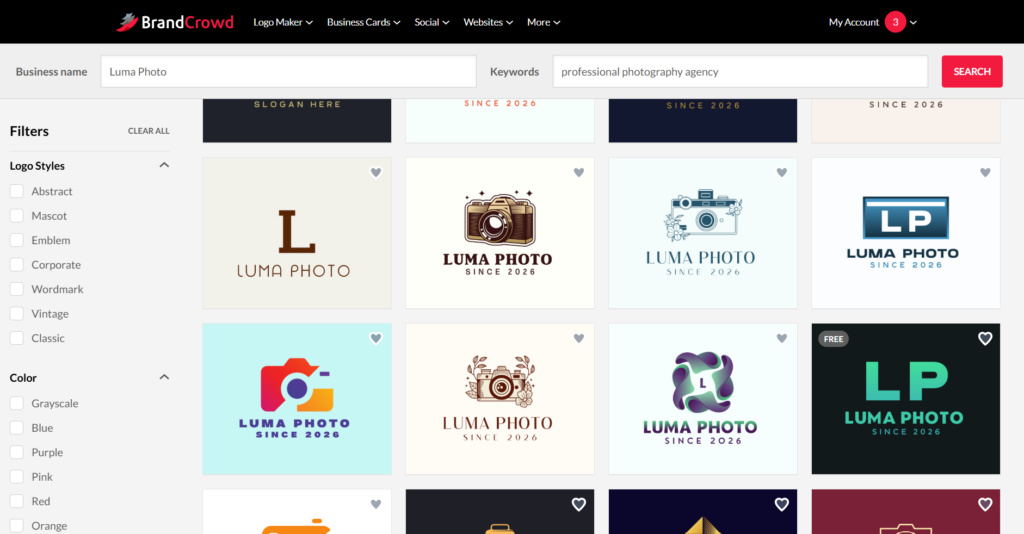
In a matter of seconds, numerous logo designs appeared, and we could access them and choose the one that matched the style that we aimed for.
The qualities of the logos were professional; they had interesting details reminding us of the field that we wanted to create for. Logos had unique designs, interesting visual elements, colors, and a variety of designs.
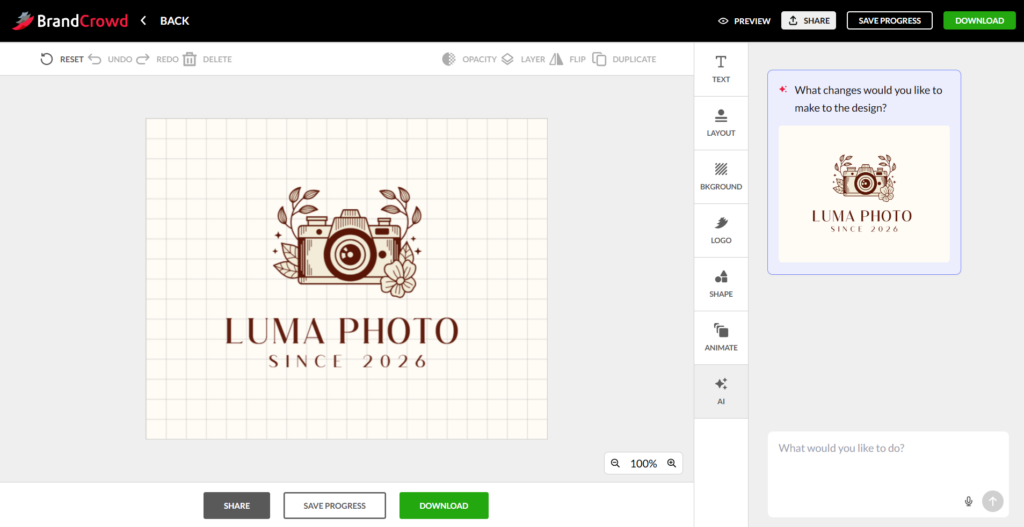
Speaking about customization, we could easily change the color, font, background, layout, and add interesting shapes to our logos. We could also add animation and use AI to create personalized changes.
Best For
BrandCrowd is a great platform for beginners, small business owners, and entrepreneurs who need quick and affordable logo designs using templates for different fields.
Logo.com
Logo.com is a good platform for users looking for an AI-powered platform that provides quick logo generation, even for those without design experience.
Main Highlights
- With the help of AI, you can quickly generate favicons, monogram marks, watermark overlays, alternate layouts, and text-only versions from a single design.
- You can access your logo in PNG, JPG, SVG, and PDF formats.
- There are 1200 branded templates available.
- There are diverse icon styles including Minimal, Illustration, Cartoon, Retro, Isometric, Pixel, Ink, Brush, and others.
- There are hundreds of premium fonts available, and you can easily experiment with them to add a unique style to your logo.
Our Testing Process
To create logos with Logo.com, we added the business name, industry, colors, and our needs and business sphere.
We waited a few seconds until the logos were generated.
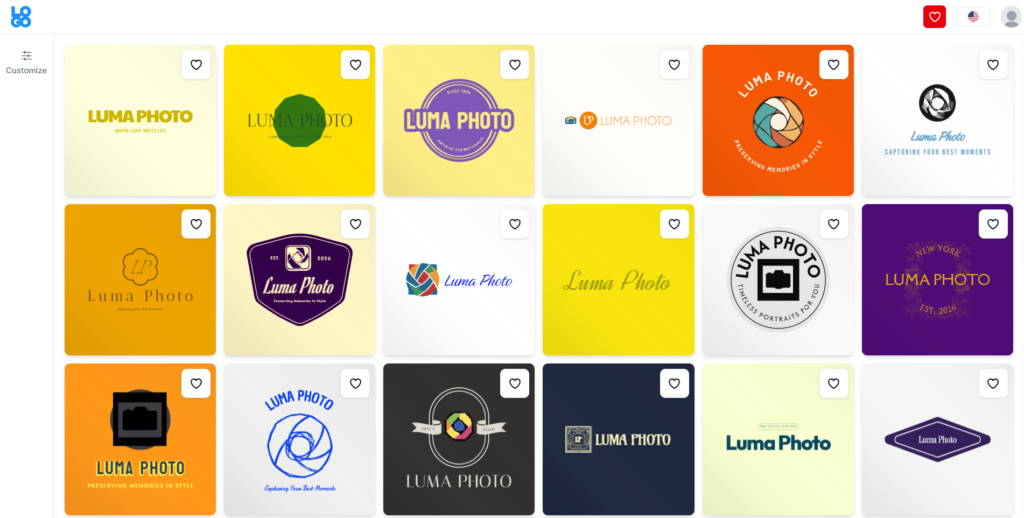
The generation of the logos was fast, and there were different options to choose from.
Unfortunately, not all the logos reminded us of the chosen field.
The quality of the logos was good; they had bright coloring and some interesting details but sometimes were too simple.
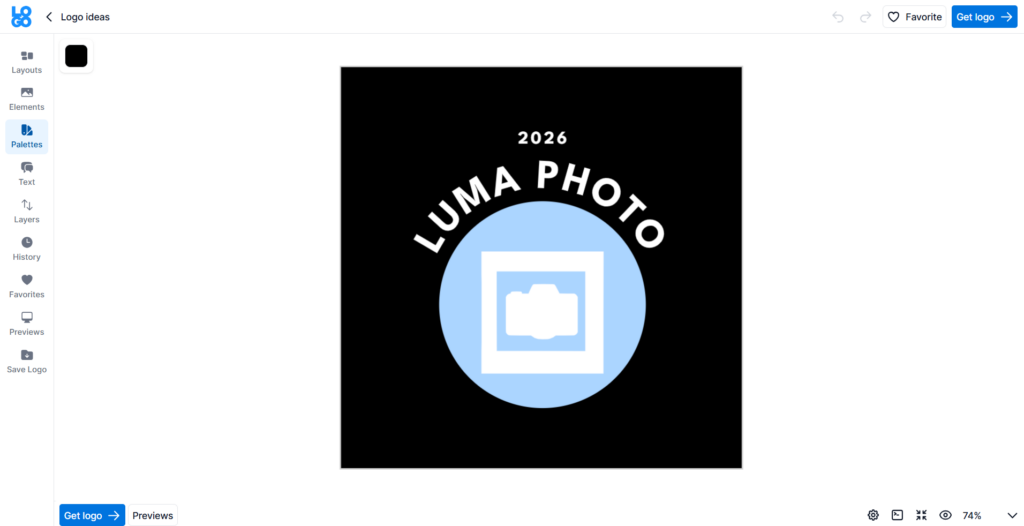
Customization on Logo.com included changing the layouts, elements, layers, adding logo to the favorites list, or changing the font.
Best For
Logo.com is a good tool for small businesses and entrepreneurs that want a complete all-in-one branding platform.
Logomakerr.ai
Logomakerr.ai is a good AI logo generation tool offering the opportunity to freely edit logos without prior experience.
Main Highlights
- It’s a free logo maker that helps you instantly generate logos for free of charge.
- The tool has a designer fix that can deal with any difficulties you might have during the creation process.
- It does not simply provide templates but offers options to choose the industry and your needs and then create the logo.
- The logos are 100% customizable.
- There is a full brand kit helping to create PowerPoint templates, flyers, and social media posts.
With LogoMaker, we started by adding the business name, font, color shade, and industry.
Our Testing Process
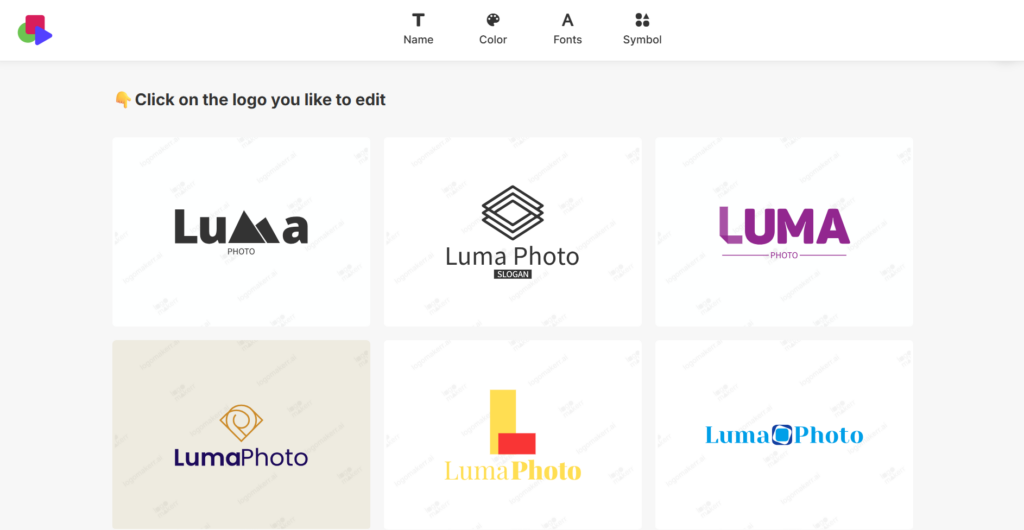
Logos were generated for a slightly longer time than in the case of previous ones. We needed to wait more than a minute instead of seconds.
However, after adding many details about our desired logo, we did not receive the option we
were aiming for.
There were options to choose from, but they did not have any unique elements or ones that reminded about the field. Quality was not the best compared with the previous tools; colors are pale, and the design is overly simple.
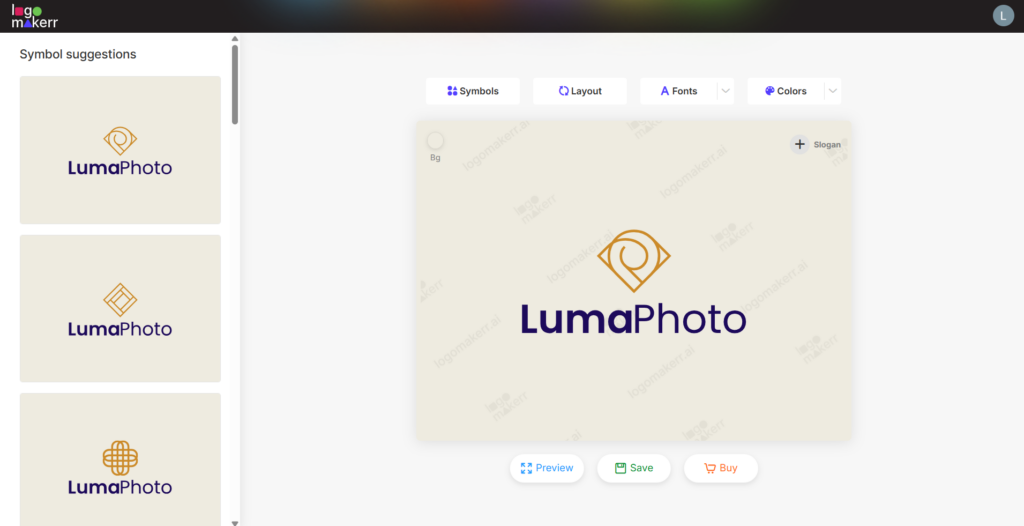
From the customization, we could change the layout, symbols, fonts, and colors of the logos. It was easy and quick enough.
Best For
Logomakerr.ai is best for startups and entrepreneurs who want to create interesting logo designs without complex design software.
DesignEvo
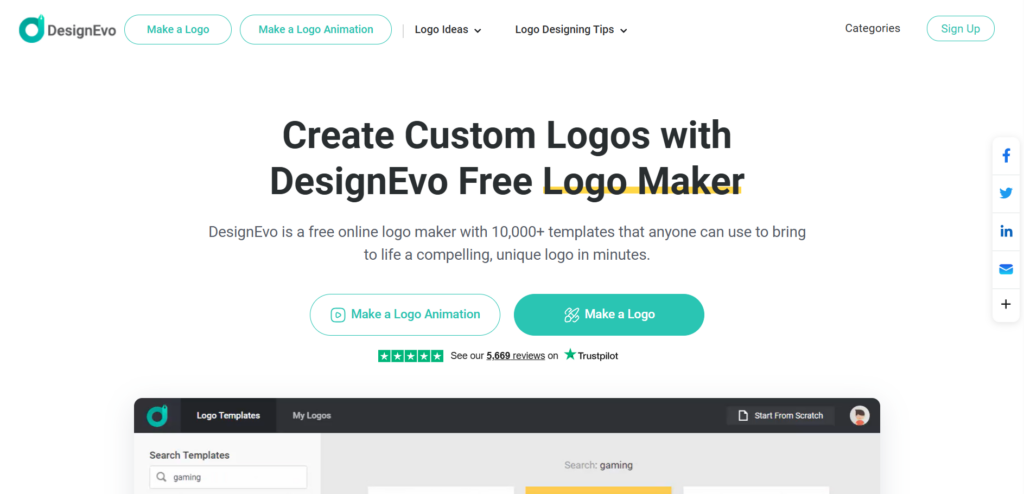
DesignEvo is another logo maker that uses AI and has an easy-to-use interface, helping to create and edit different logo templates.
Main Highlights
- There are 10K templates available on the platform.
- The tool offers 100+ fonts to edit the design.
- There are millions of free vector shapes available.
- It provides high-quality SVG and PDF files.
- The platform is easy to work with and great for anyone, even with no prior experience.
Our Testing Process
Here, logo generation was more challenging. We could not simply write the name and receive the logos.
We needed to choose a field. However, this was another issue since we could not find the field we needed, but as we needed to test the tool, we chose “technology and communication” as a field to evaluate the logos.
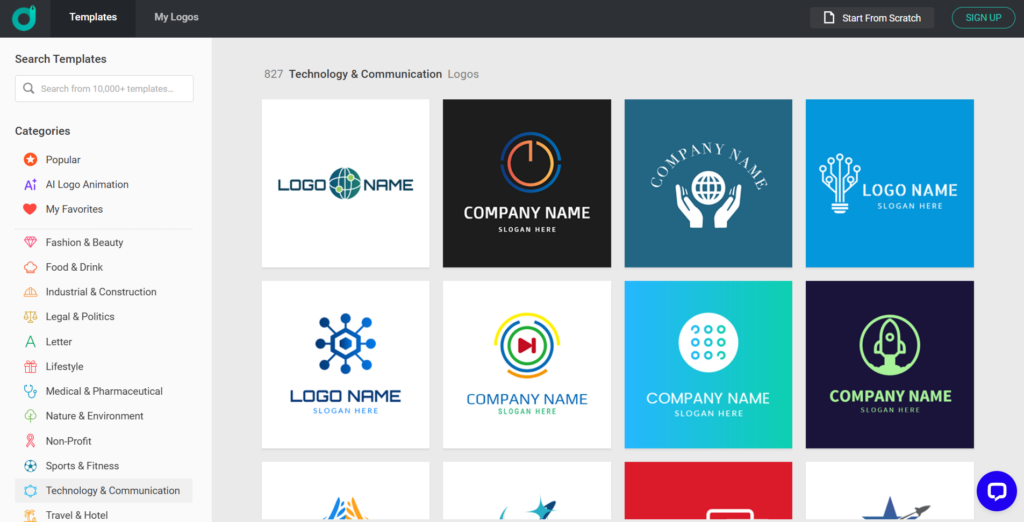
There were some options to choose from; however, as was mentioned, they did not have anything to do with our field.
Overall, logo quality was not the best; it had some interesting details, but the design was quite old-fashioned.
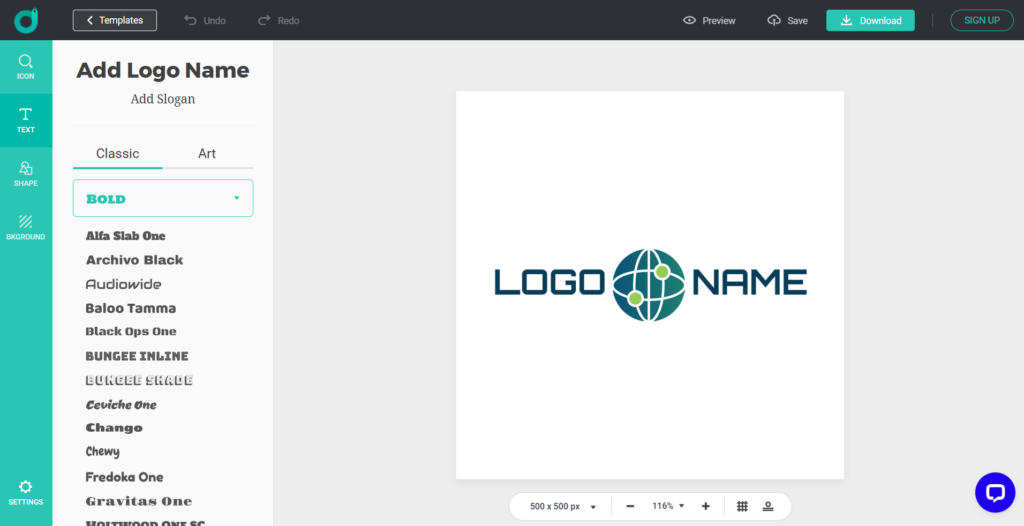
From the editing options, we had access to changing the background, text, and shape of the logos.
Best For
The platform is good for beginners and startups that are looking for easy and quick logo generation.
The Main Takeaway
Therefore, creating free logos is not impossible in 2026.
Different AI logo makers provide free tiers, with the help of which you can not only create logos but also edit and download them freely.
But in this guide, we tried to evaluate not only their free-to-use options but also ones that provide high-quality, advanced AI integration and diverse customization capabilities.
So, if you ask us personally, we would highlight Design.com as a top option since it is a tool that uses AI to make the creation process easy but, at the same time, maintains top-quality logos and offers the largest library of templates.
Now it is your turn to choose your favorite and start creating logos for free.